
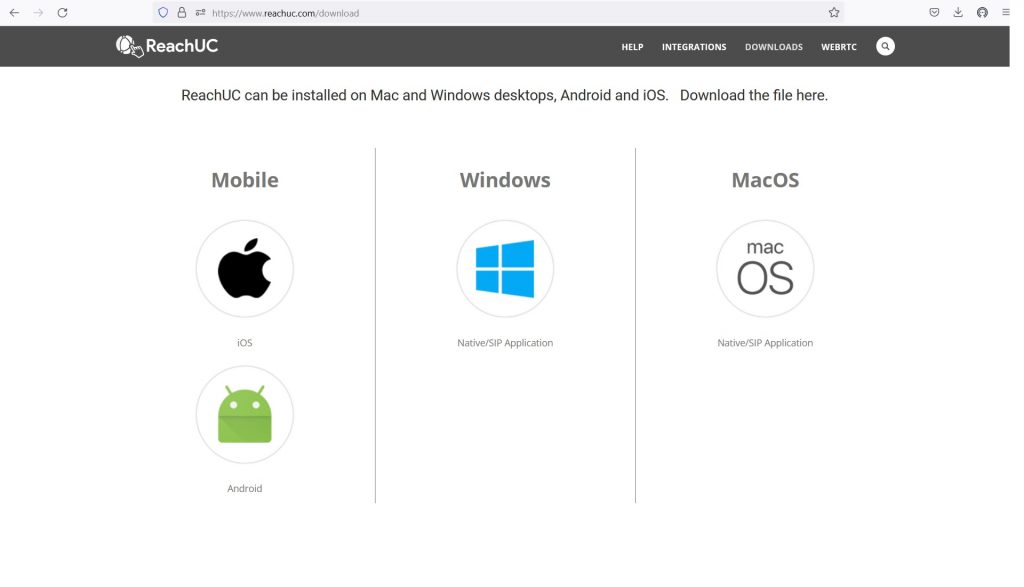
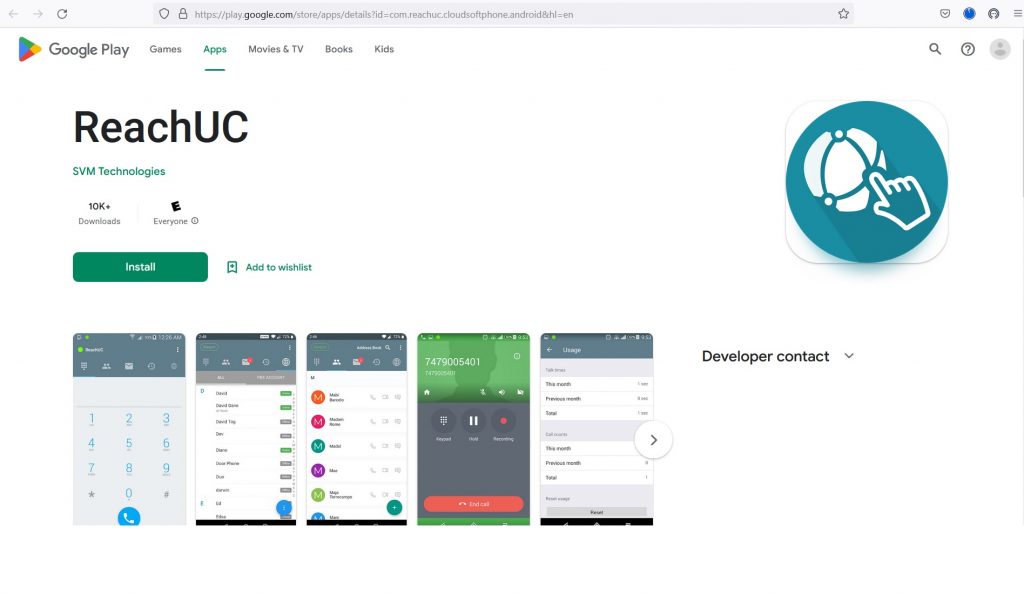
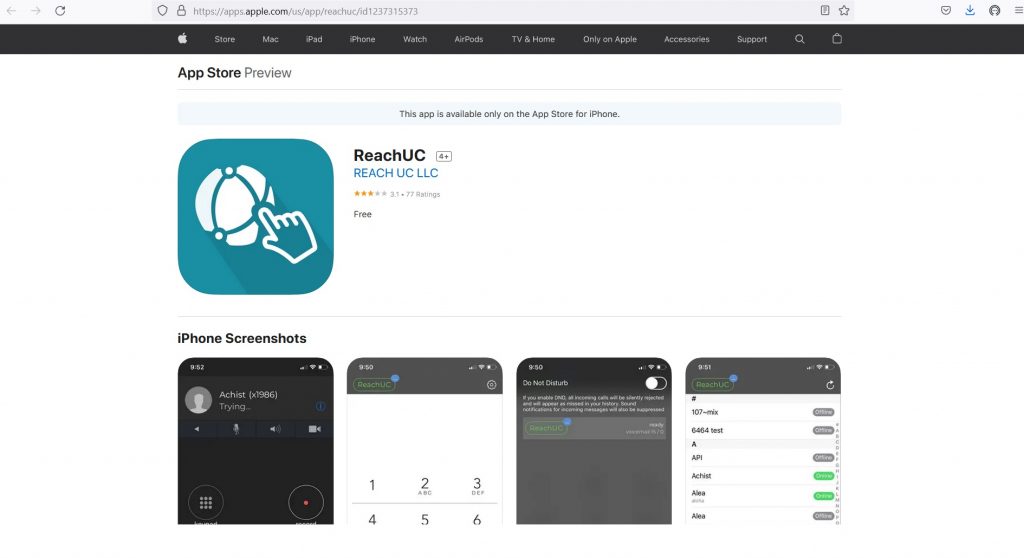
Installation ReachUC: Go to https://www.reachuc.com/download to find software required for your device
(iPhone, MAC, Android, Windows Desktops).
2. With Desktop application or Mobile phone application installed, login open program and login with Username
and Password set up when clicking on the Welcome email sent to each user.

3. ReachUC will login and bring up main page. Ability to make and receive phone calls on device will be available. 
4. User may add/remove Contacts, view Call History, access Recordings (if enabled), and access User profile in
PBX settings to make changes to call forwarding or make programming changes.

5. If issues arise: Email support@canadiansvoip.ca